

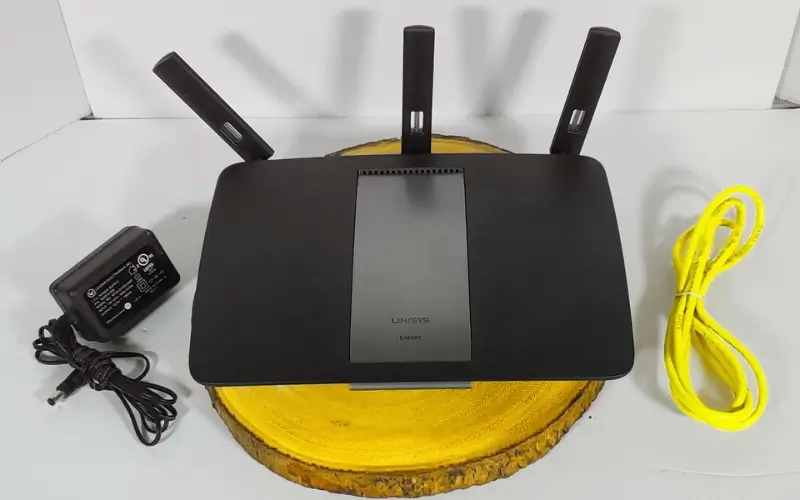
A fast and stable internet connection is essential for modern homes and businesses in the United Arab Emirates. However, traditional routers often fail to provide full coverage across large spaces. This is where the linksys velop mesh wifi extender becomes a powerful solution.
The Linksys Velop system is designed to eliminate dead zones and provide seamless connectivity throughout your home. In this guide, we will walk you through the complete setup process and help you optimize your network performance.
Understanding Linksys Velop System
The Linksys Velop is a mesh WiFi system that uses multiple nodes to create a single, unified network. Unlike traditional extenders, it does not simply boost signals but creates a consistent connection across all areas.
Modern models like linksys velop wifi 6linksys velop vs google wifi comparisons often highlight Velop’s strong performance, better coverage, and reliability for larger homes.
Why Choose Linksys Velop Mesh WiFi
Many homes in the UAE face connectivity challenges due to large layouts, thick walls, and multiple devices. The Linksys Velop system helps solve these issues by:
- Providing seamless WiFi coverage across all rooms
- Eliminating signal drops when moving between areas
- Supporting multiple connected devices
- Offering easy management through a mobile app
Step-by-Step Linksys Velop Setup Guide
Setting up your Velop system is simple if you follow these steps carefully.
Step 1: Unbox and Power On
Take out your Velop nodes and connect the primary node to your modem using an Ethernet cable. Power it on and wait for the LED light to turn stable.
Step 2: Install the Linksys App
Download the Linksys app on your smartphone from the App Store or Google Play. This app will guide you through the entire setup process.
Step 3: Create an Account
Open the app and create a Linksys account. This allows you to manage your network remotely.
Step 4: Setup the Primary Node
Follow the in-app instructions to detect your node and configure your network name and password. This will become your main WiFi network.
Step 5: Add Additional Nodes
Place the second and third nodes in different areas of your home. The app will automatically detect them and add them to your mesh network.
Step 6: Optimize Node Placement
For best performance, place nodes in open areas and maintain a reasonable distance between them. Avoid placing them near thick walls or electronic interference.
Step 7: Complete Setup
Once all nodes are connected, your mesh system will be fully operational, providing seamless coverage throughout your space.
Tips for Better Mesh WiFi Performance
To get the most out of your Linksys Velop system, follow these tips:
- Keep nodes at equal distances for balanced coverage
- Regularly update firmware through the app
- Avoid placing nodes in closed cabinets
- Use dual-band or tri-band models for better speed
For professional installation and advanced networking solutions in the UAE, many users trust Wifitech to ensure optimal performance and reliability.
Common Setup Issues and Solutions
Even though the setup process is user-friendly, you may face some issues.
Nodes Not Connecting
Ensure nodes are within range of each other during setup.
Weak Signal in Certain Areas
Try repositioning nodes to improve coverage.
App Not Detecting Device
Restart your modem and node, then try again.
Importance of Reliable Internet in UAE
In the UAE, a stable internet connection is essential for both work and daily activities. Many services now depend on online access, including transport systems and digital utilities.
For example, platforms like Check NOL Card Balance Online allow users to easily perform NOL Card Balance Check from anywhere. Without a strong and consistent WiFi connection, such tasks can become frustrating.
This is why investing in a reliable system like Linksys Velop is important for uninterrupted connectivity.
When to Choose Mesh Over Traditional Routers
Mesh WiFi systems like Linksys Velop are ideal when:
- You have a large home or office
- Multiple floors require coverage
- You experience frequent signal drops
- Many devices are connected simultaneously
Unlike a single router, mesh systems provide a more stable and consistent network experience.
Read Also: How to Check Your DU Number in the UAE
Conclusion
Setting up a Linksys Velop whole home WiFi system is one of the best ways to ensure strong, reliable internet coverage across your space. By using a linksys velop mesh wifi extender, you can eliminate dead zones and enjoy seamless connectivity in every room.
With proper installation and placement, the Velop system delivers high-speed performance suitable for modern digital needs in the UAE. Whether for work, streaming, or daily online tasks, a well-configured mesh network makes all the difference.



Leave a Reply